
CRM vs CMS: 6 Key Differences Explained
When you are attempting to make a selection of the right tools to meet your business expansion needs, you will always hear others talk about CRM vs CMS, two systems that sound alike, but have entirely different purposes. The two are fundamental yet address different issues; one is to manage the customers, and the other is to manage the content.
Knowing how these platforms operate (when to apply them) will enable you to create a smarter, more scalable digital ecosystem. We are going to take a big-picture view down to a small one so you can decide what you actually require as a business, or even both.
What is CRM?
A basic understanding of the systems can be helpful before comparing systems. CRM (Customer Relationship Management) is an application focused on how you manage prospects, customers, and leads. It manages discussions, sales streams, follow-ups, customer interests and your relationship-building plan.
When you are interested in increasing sales efficiency, providing customers with individual attention, and retaining customers in the long term, you resort to CRM. In the majority of cases, businesses begin with spreadsheets and soon develop beyond them. A CRM intervenes to ensure that all is in order and automated.
What is CMS?
A CMS (Content Management System) is a system that helps you publish, manage, update, and create content on your website. A CMS provides you with a simple dashboard to edit content, add pictures, handle blogs, update services and operate your site without the need to code up all landing pages manually. WordPress, Drupal, Sitecore, and Umbraco are CMS systems that enable the marketing department to control the content without depending on programmers.
Difference Between CMS and CRM
The part you were eager to reach is now in the process of being entered into - the Difference between CMS and CRM with a distinct 6-point comparison table in its support.
| Feature | CRM | CMS |
| Primary Purpose | Manages customer relationships and sales | Manages website content and digital assets |
| Main Users | Sales, marketing, support teams | Marketing, editorial, content teams |
| Core Functionality | Lead tracking, follow-ups, sales pipeline | Page creation, content publishing, SEO management |
| Data Focus | Customer data, behavior, interactions | Website content, media, layouts |
| Business Impact | Improves conversions and customer retention | Improves digital presence and brand communication |
| Typical Tools | Salesforce, HubSpot CRM, Zoho CRM | WordPress, Sitecore, Drupal, Umbraco |
This table can show you the immediate difference in the way each of the systems works - and why most companies ultimately require both.
Why You May Need Both CRM and CMS
The point is that modern businesses hardly work with a single one of these systems.
In case your site requires personalization, automation, and focused content, a combination of CRM and CMS will open the gates to immense power. For example:
- Your CRM is able to relay segmentation information to CMS to offer custom landing pages.
- Your CMS is able to push user behavior and submission of the form to your CRM.
- Centralized content + customer insights will help your teams run campaigns faster.
Most of the companies opt to use enterprise CMS software such as the Sitecore CMS and when they do so they tend to employ the services of the Sitecore developers who can create integrations between Sitecore and the best CRM applications in order to make the best use of it.
When to Choose a CRM
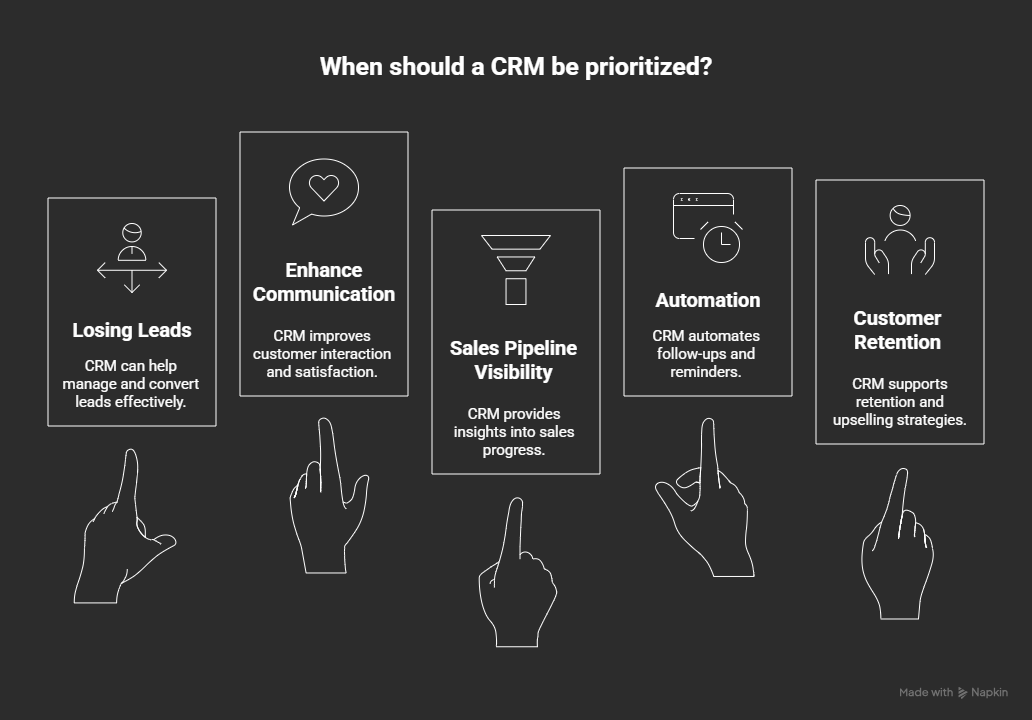
A CRM should be given priority when:
- You are losing leads to your sales team.
- You would like to enhance communication with customers.
- You must see into your sales line.
- It is becoming mandatory to have follow-up reminders and automation.
- The important objectives are customer retention and upselling.
A CRM enhances your revenue activities and establishes relationships with your customers, which is over time.
When to Choose a CMS
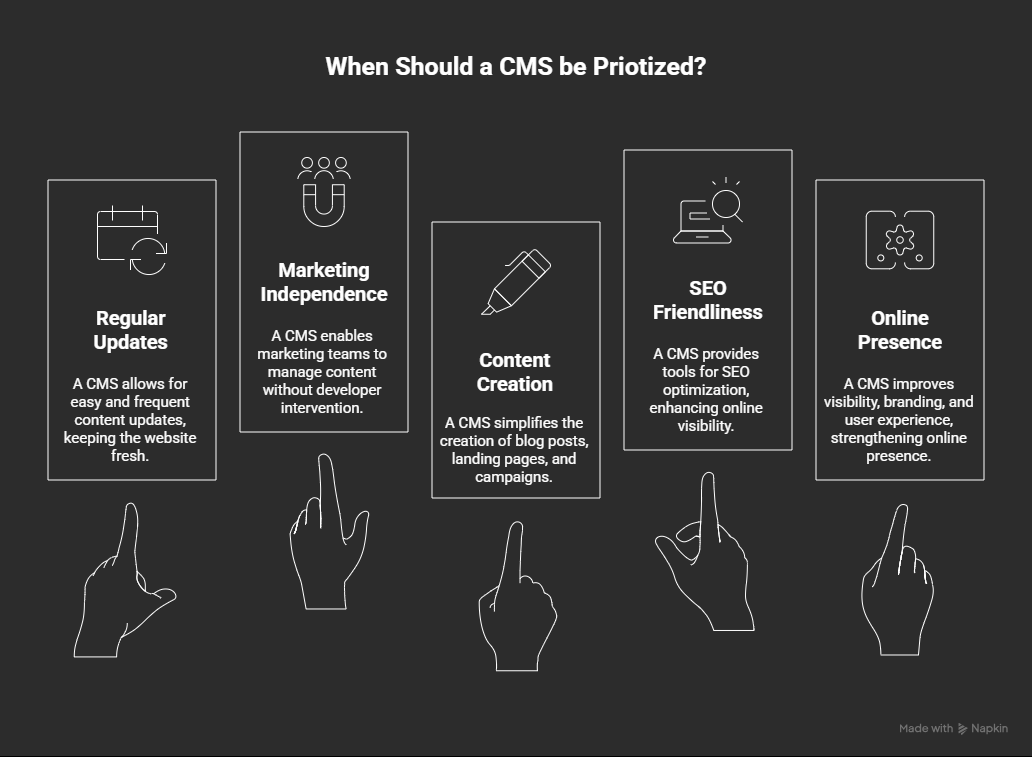
A CMS should be prioritized in cases:
- Your website has to be updated regularly.
- Your developers do not want their marketing team to be independent.
- You wish to create blog posts, landing pages or campaigns without difficulty.
- You require content management that is SEO friendly.
- Online presence is your priority.
CMS enhances your visibility, branding, and user experience online.
How to Choose the Right Platform for Your Business
When you are clear about what your business requires immediately and what it will require in 2- 3 years then it becomes so much easier in choosing between a CRM and a CMS. Imagine this option as one where you have to make a choice of either building a stronger relationship with customers or building a stronger presence online; they both are important but one may be more important at this point of your development.
The following are the ways to consider the right platform:
1. Start by Identifying Your Primary Pain Point
When the major challenge you face is keeping track of leads, overseeing conversations, or improving follow-ups, you should use a CRM. A CMS will be your best choice if you are spending excessively on page updates or if your site lacks the flexibility required for marketing campaigns.
2. Look at the Teams Who Will Use the System
CRM makes your sales, customer-facing, and support teams well-organized.
A CMS will enable your marketing and content department to publish and manage site content without coding. Select the tool that remedies the largest bottleneck in the team creating revenue.
3. Consider How Fast You’re Scaling
A CRM is necessary in case you expect additional leads, more customers, or more sales reps.
A CMS is more economical when you are redeveloping your site, need numerous pages, or are about to engage in campaigns that require heavy SEO.
Conclusion
CRM and CMS technologies serve purposes that are absolutely opposite yet equally significant. Whereas a CRM enhances relationships with your customers, a CMS drives your online experiences. This understanding will assist you in making the correct choice of system, or in selecting two systems to create a more powerful digital ecosystem.
If you intend to implement, customize, or integrate CMS systems such as Sitecore with your CRM, you must have experts who are knowledgeable in both systems.Many businesses even hire Sitecore developers to ensure the platform is implemented and integrated properly from the start. That’s where Arroact comes in. Our team of experts will assist you in creating scalable, personalised, and integrated digital systems that enable your CRM and CMS to work together and grow.
Your platform update or new platform should be precisely and expertly implemented by a team of Arroact engineers, who will guide you through the launch strategy.

Frequently Asked Questions
Related Blogs


Read More