AEM 6.5 (Adobe Experience Manager) Overview: Web console, CRXDE lite, bundles, package manager
Aem is one the most powerful content management systems. To work directly on enterprise level first we need to understand the structure of the aem.
This article provides the clear overview of the fundamental aem 6.5 interfaces:
- Web console
- Bundles(Apache Felix)
- CRXDE Lite
- Package Manager
These tools work as a backbone of aem in deployment, troubleshooting and system maintenance.
Whether you are beginner or CMS developer this will make the foundation strong in aem to work on real world enterprise development.
- AEM WEB CONSOLE
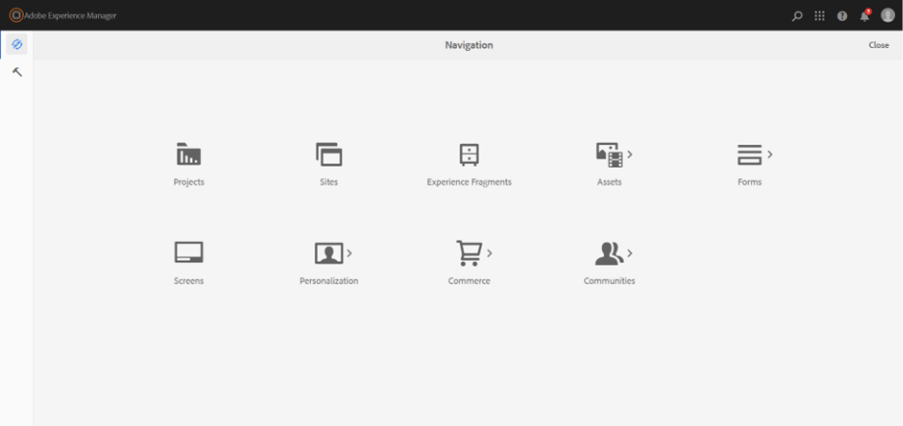
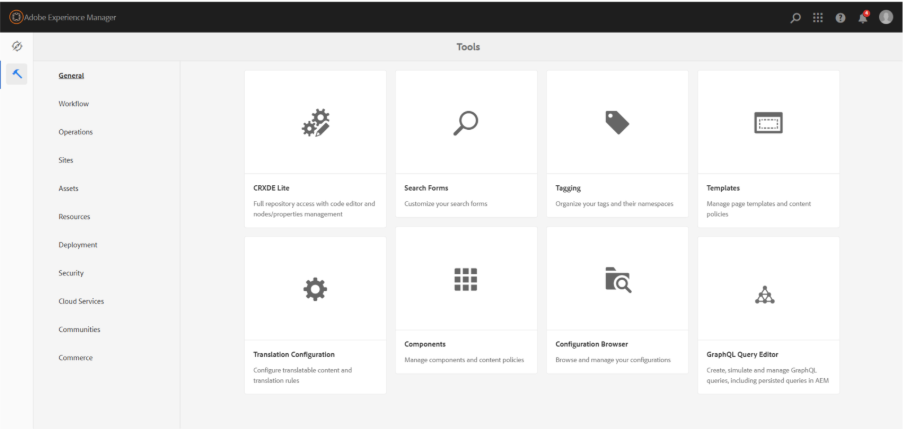
Tool section contains several administrative and configurations option which developers and author manages how aem behaves, content is structured and different feature are enabled across the project.
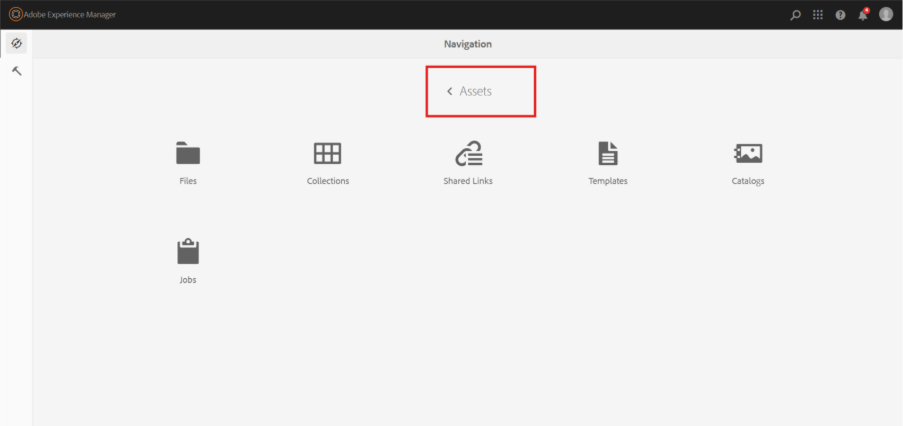
One of the most important tool is assets which is also known to be DAM (Digital Asset Manager) which helps to store, manage and organise digital files like images, videos, Pdf and other documents. Instead of keeping local files on a local system here everything is managed centrally.
- Bundles (Apache Felix)
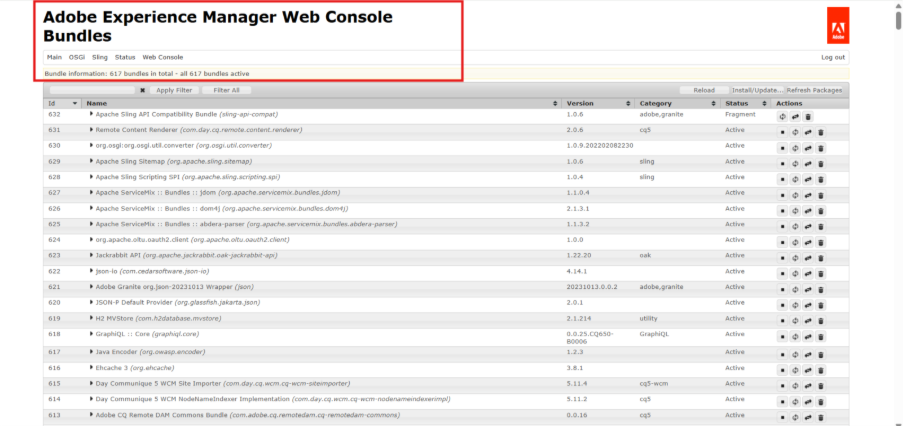
This web console bundles are powered by apache felix which is an open source OSGI framework. Even though we can access it from aem this console is not build for only aem, it is generic OSGi management console that adobe uses internally for aem. Here each functionality runs as a bundle which is basically a java module. These bundles work together to keep running system properly in the background
Important thing:
For healthy system the status of the bundle should be in an active state.
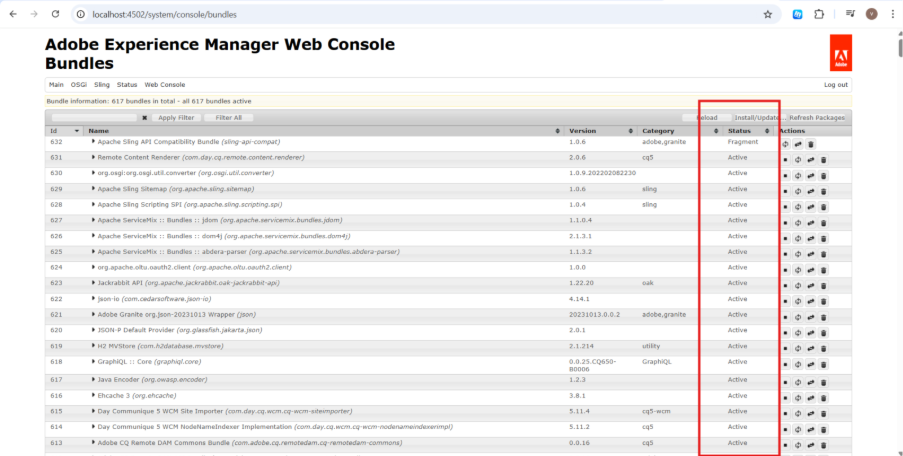
Amongst them if any bundle shows inactive or stopped then it directly impact to aem features like page rendering, components and workflows.
Tip:
Developers should look into these bundles when something is not working properly as expected.
Caution:
Mainly used for monitoring and troubleshooting purposes by developers or administrators because any incorrect changes here can directly affect the entire aem system.
- CRXDE Lite
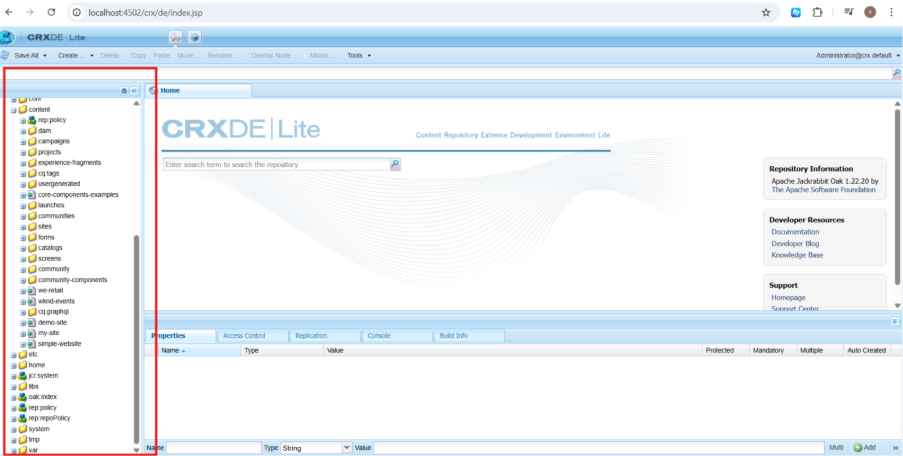
Basically it is internal repository browser and editor in aem and the usage of it is to view and manage the content store inside the aem by developers.
The highlighted part here is the whole structure where the content is being stored which includes pages, components, templates, configurations and even permissions inside Jcr repository.
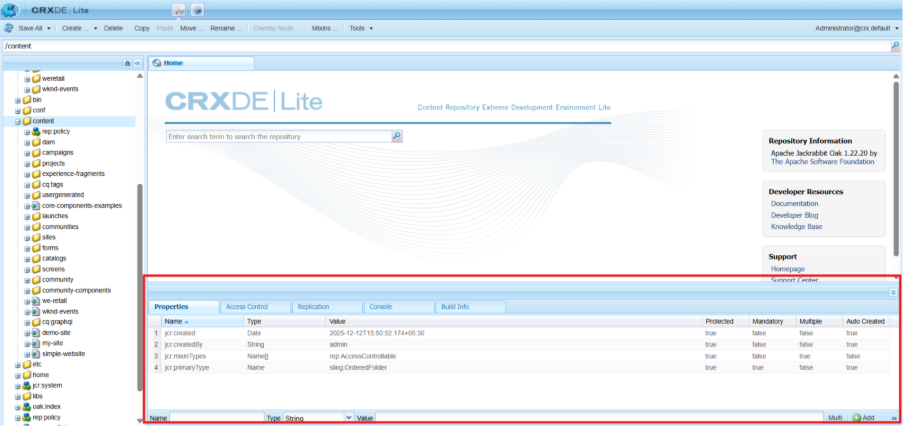
When any node is clicked it shows the properties of that particular in which we can see metadata of that node like name, type, value and so on.
Along with that we can edit any node by adding or changing the property through giving its name, type and value.
- Package Manager
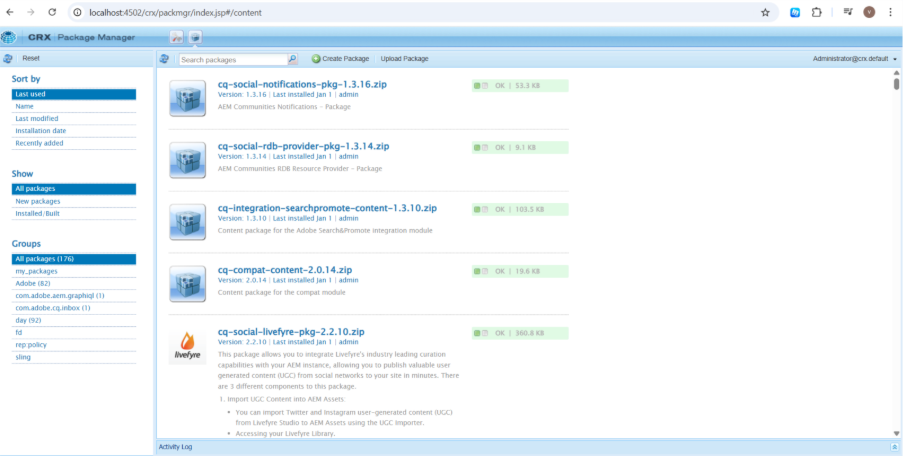
Packmgr tool is used to import, export and manage packages inside aem. It is basically a zip file which contain configurations and code together used by developers and administrator for migration and deployment.
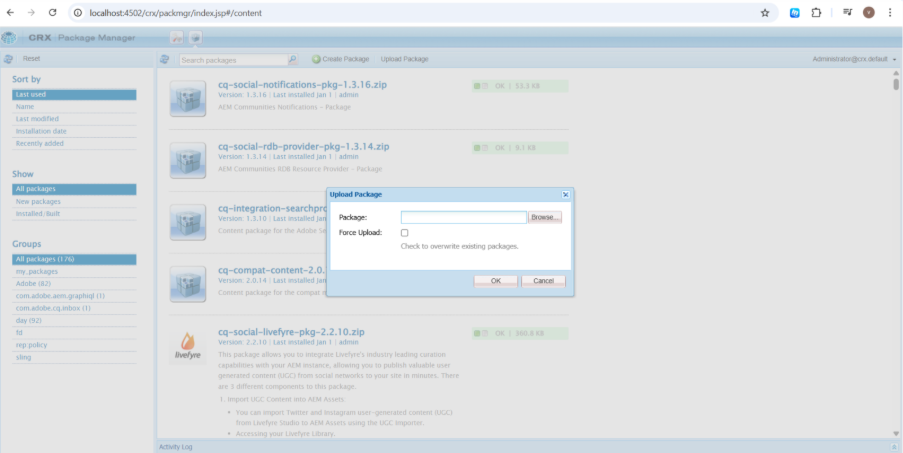
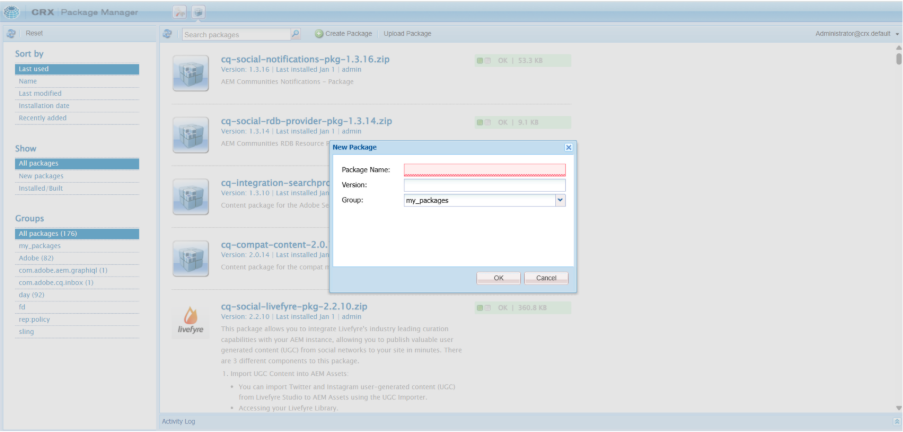
Here we can create , upload and delete and also download package according to our requirements.
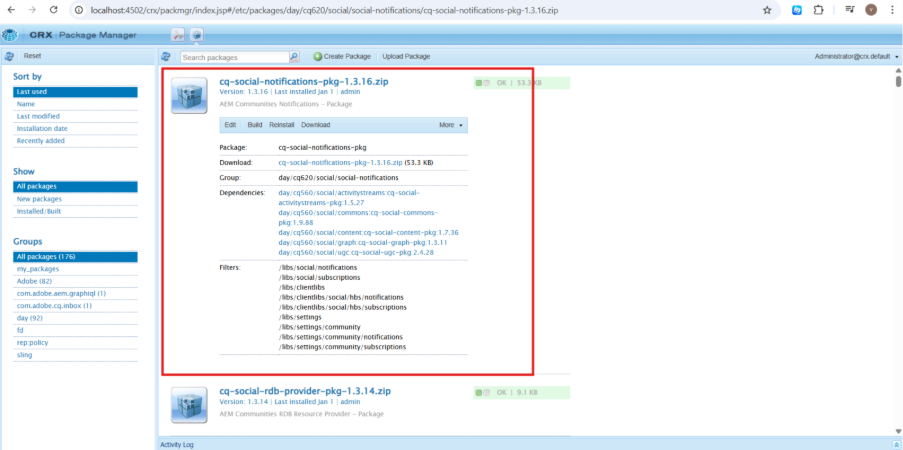
Each package also contain information such as package name, version, group, last modified date and each and every detail of a particular package which helps to understand actual content of it.
Basically it is deployment and content transfer tool for aem used heavily in real world enterprise level.
You can also refer to this AEM 6.5 overview video for better understanding.

Related Blogs

For years, we built websites for two audiences: people and search engine crawlers. That…
Read More
Migrating a website to a new platform has always meant weeks of manual content mapping,…
Read More
For more than ten years, Adobe Experience Manager has supported businesses in content…
Read MoreArroact is ready to help you grow.
Our Office

Westface, 519/520, Bhagwat Bungalows Rd, Thaltej, Ahmedabad, Gujarat 380059


Pay us a visit for a cup of coffee. We’ll be more than happy to welcome you.